Make shade part of the layout.
Consider when you need shade and whether you also want rain protection. Keep supports clear of furniture and walking routes.

LANDOVA / LANDSCAPING + HARDSCAPES
Plan patios, paths and planting as one connected outdoor space. Save your choices to the same Outdoor Project Plan as your pool, plants and phases.
Start my plan ↓Already started? Review my planFree to explore. Your Outdoor Project Plan summarizes saved ideas, priorities and questions. Request it by email when ready. Custom layouts and 3D designs are paid services.
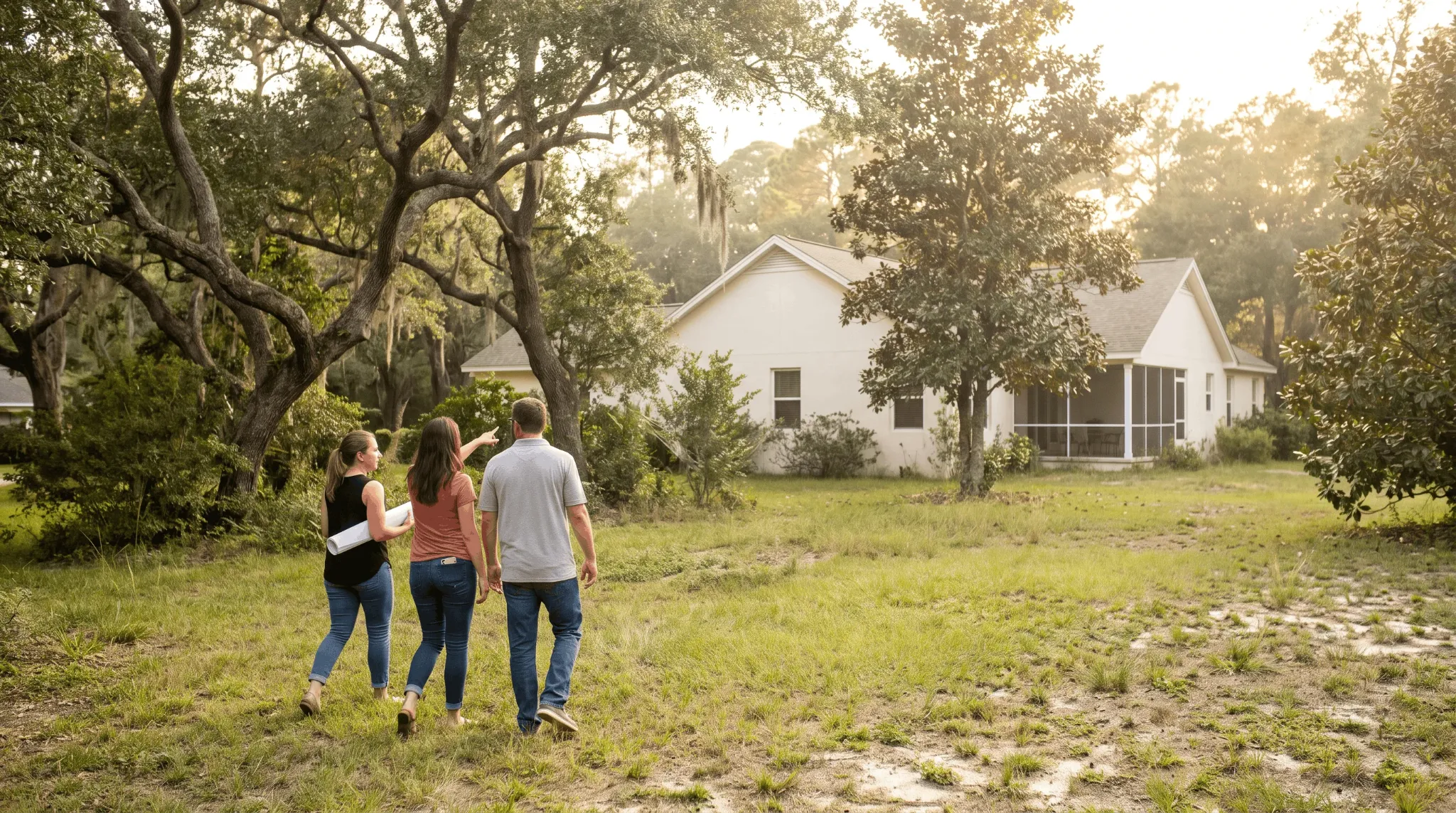
Five chapters. Your own pace. Leave anything undecided.
Select an answer or use Add to My Plan to save a choice. Exploring a diagram does not save it.
01 / YOUR LIFESTYLE
Explore front and back yard zones for gathering, cooking, relaxing and planting. Then choose what belongs in your plan.
Go to my choices ↓Choose a yard, select the zones you want, then add them to My Plan together.
Example layout. Review your own property’s sun, levels and utilities.
Select all the zones you want, then add them to My Plan together. Select a zone again to unselect it.
A pool area appears in the back yard when you select pool interest in My Plan below ↓.
MY PLAN / YOUR LIFESTYLE
Select an answer to add it to your plan. You can leave decisions open.
Add any questions you want help resolving. These are questions for your report, not product selections.
Choices saved in this browser. Nothing sent.
04 / YOUR PLANTING
Explore mature space and care, set your direction, then build a shortlist in the Plant Library.
Go to my choices ↓A spacing illustration, not a growth forecast. Species, climate and care change the outcome.
A LANDSCAPE HAS LAYERS
WATER WITH PURPOSE
Plants with similar water needs can be grouped for irrigation. Plan for establishment and later care rather than assuming a new landscape needs no watering.
Read how coastal exposure, soil and drainage guide plant selection
Explore EPA WaterSense ↗MY LANDSCAPE CHOICES / YOUR PLANTING
Select an answer to add it to your plan. You can leave decisions open.
CONNECT YOUR PLANT LIST
Open the Plant Library, explore plants for your conditions and save the ones you want to discuss. Then return here to add your shortlist to this plan.
Explore the Plant Library ↗Your planning choices stay in this browser while you explore. A shortlist is a starting point; LANDOVA will review plant fit with your property and goals.
Your saved Plant Library list will appear here.
Saving a plant in the library does not automatically add it to this report.
Add any questions you want help resolving. These are questions for your report, not product selections.
Choices saved in this browser. Nothing sent.
05 / YOUR PRIORITIES
Tell us what matters most. Use the Budget & Phasing Planner to give each phase its ideas, budget and timing.
Go to my choices ↓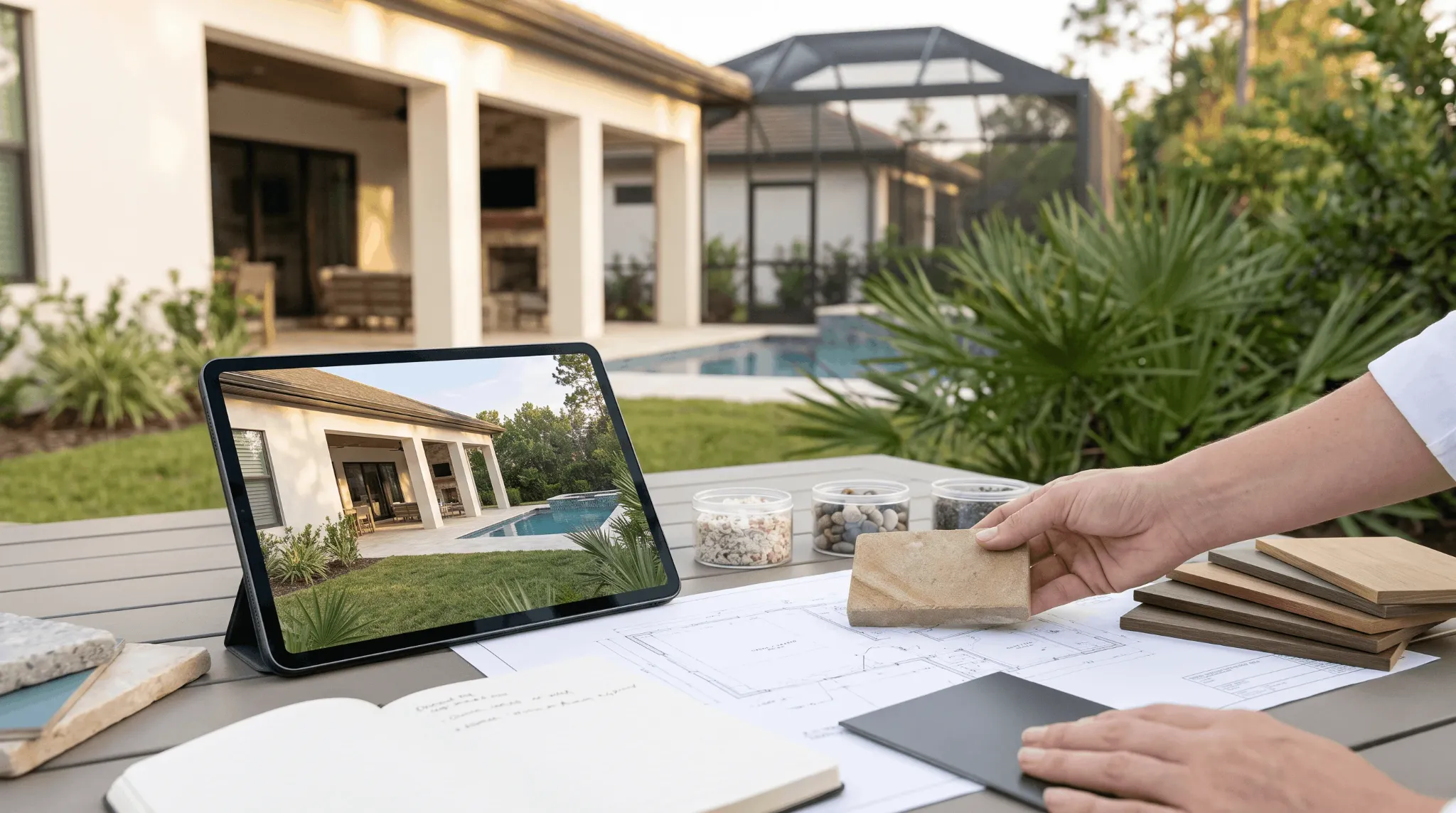
MAKE THE TRADEOFFS VISIBLE
Discuss the dependencies between grading, utilities, structures, paving and planting before setting the build sequence.
MY LANDSCAPE CHOICES / YOUR PRIORITIES
Select an answer to add it to your plan. You can leave decisions open.
YOUR POSSIBILITIES / YOUR PACE
Choose what feels like a first phase, a later possibility or a question to explore. This is a preference list; a designer will check the dependencies.
See how trade-partner estimates help plan construction phases
Select possibilities in Your project to arrange them here.
Add any questions you want help resolving. These are questions for your report, not product selections.
Choices saved in this browser. Nothing sent.
OPTIONAL NEXT READS / AFTER YOUR PLAN
Go deeper when you are ready. Your starting brief stays the thread connecting these choices.
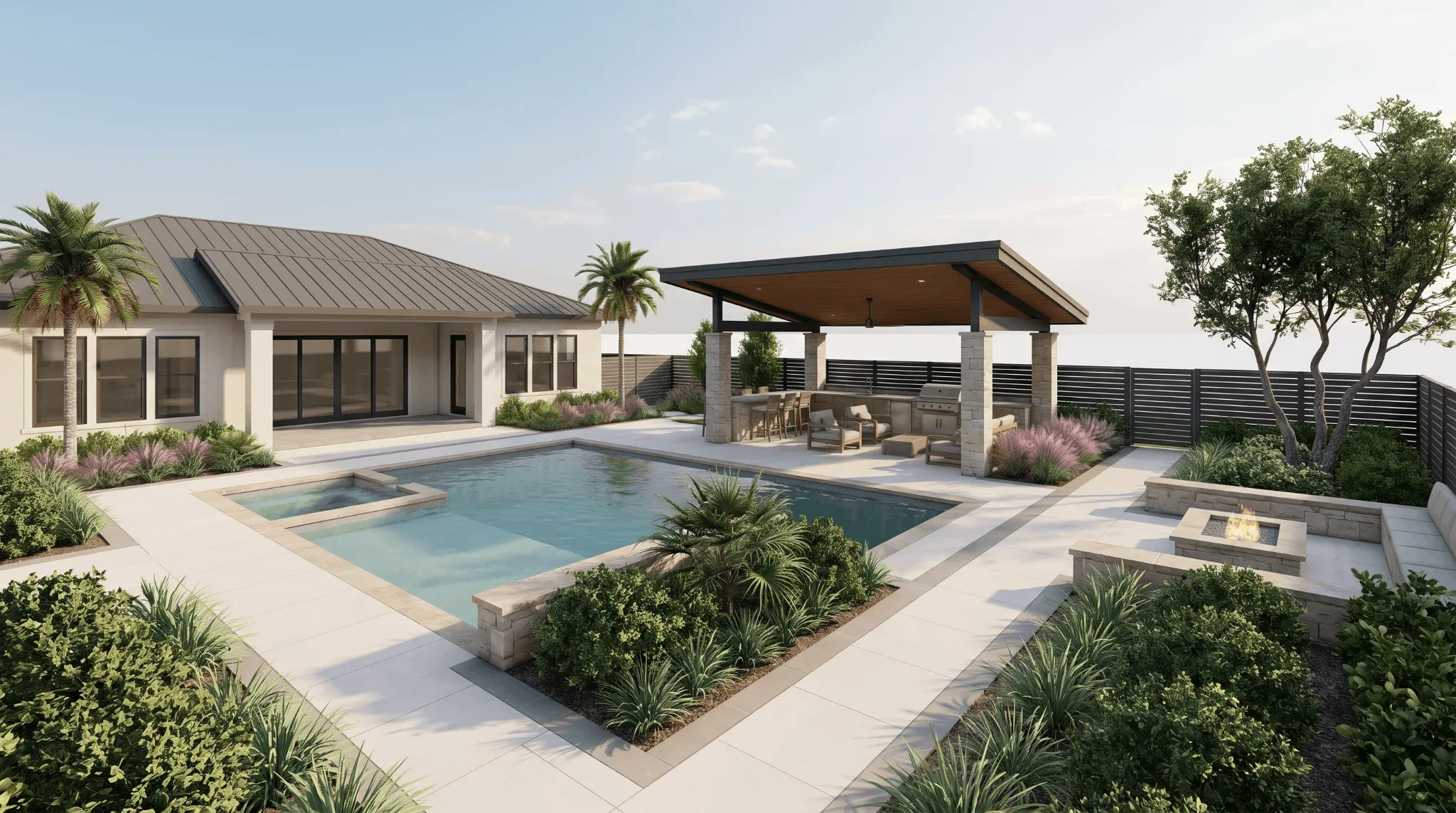
LANDOVA FIELD NOTES

LANDOVA FIELD NOTES
LANDOVA FIELD NOTES
General education informed by these public resources. Local professionals should review site-specific decisions.

Plan your outdoor project with a coordinated design, clear trade scopes, and better information before you hire.